
Are all virtual meetings truly 100% effective? Or during the demonstration of statistics and various slides, do some employees browse their email and attend to other personal matters? If this is indeed the case, then another logical question arises: is this the result of the remote format of meetings or the result of an incorrectly chosen approach on the part of the company’s management? This review contains 7 methods that will help make remote meetings as productive as possible.
Method No. 1: It is important to decide whether a meeting is needed or not
During the pandemic, many companies around the world chose the format of video calls instead of in-person meetings. In this way, it was possible to convey important information to their employees. Therefore, today an increasing number of managers refuse meetings if the necessary information can be conveyed through a short chat or emails.
In-person meetings are important and useful in the following common situations:
- It is necessary to quickly make a serious decision on a specific issue.
- To solve the problem, approximately 10 letters would be required, both sent and received back.
- There is an urgent need to establish human contact.
- During the call, the voices of some employees are not heard.
If a meeting cannot be avoided after all, an agenda must initially be drawn up, in which the purpose of the meeting needs to be determined and current questions that need to be answered during offline communication listed.
Method No. 2: Selection of participants
When organising a meeting, one needs to establish exactly which employees should be present at it. After all, it is not always necessary to gather the entire company staff.
Thanks to modern tools for virtual meetings, today it is possible to unite participants from different corners of the world, but there must be a specific purpose for each of them being present.
To do this, the manager must familiarise themselves with the agenda and compile a list of people without whom the planned meeting cannot be imagined. For example, if one or several employees can receive instructions from the manager by email, they can easily be excluded from the list of participants in the virtual meeting.
Method No. 3: Selection of a suitable medium
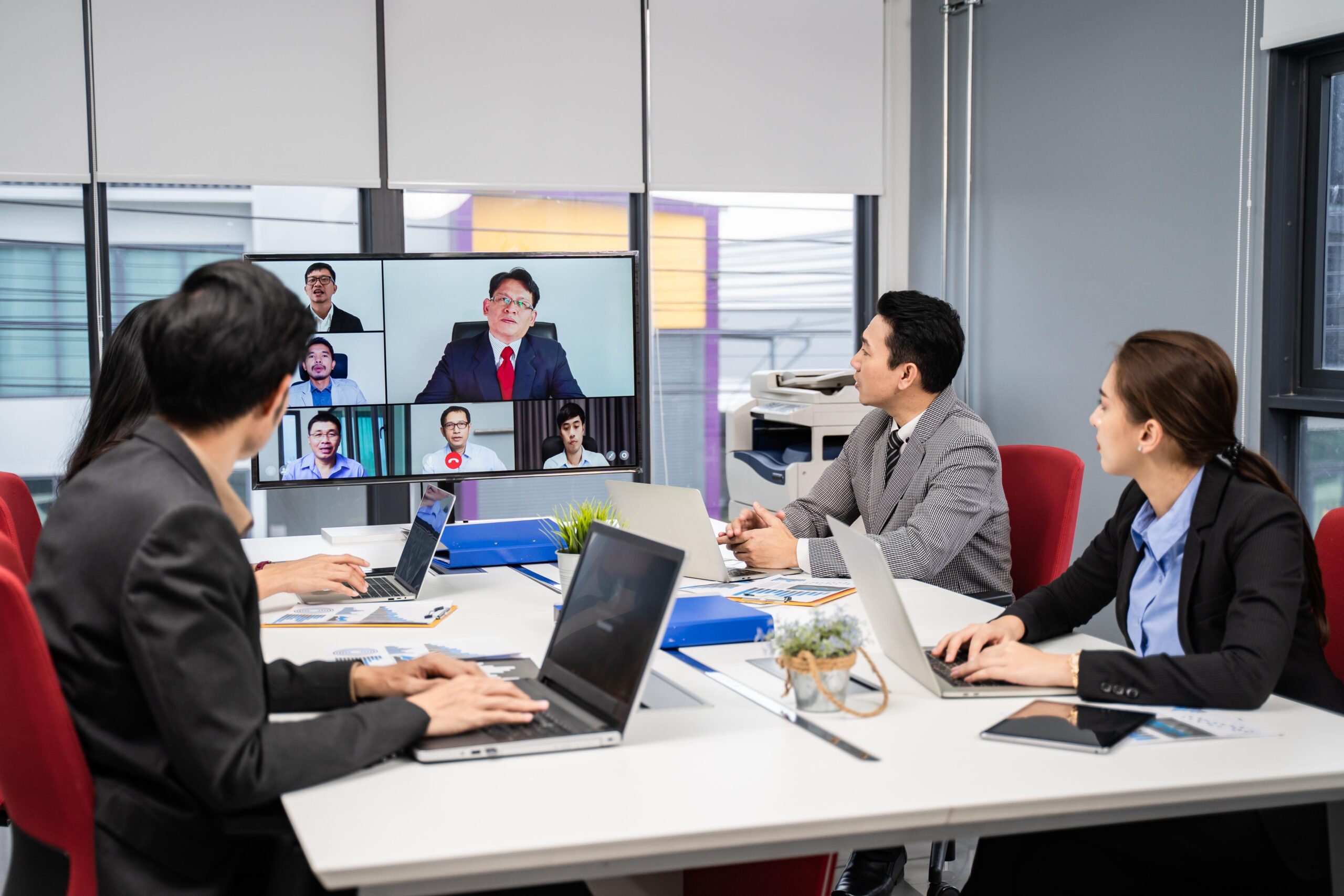
It is not mandatory for a meeting to take place in the format of a classic meeting. Today, many alternative options are known: for example, a Google Docs document, live broadcast, online chat, recorded videos, and so on.
Modern communications specialists today must think about several questions at once:
- What exact message do they wish to convey to people?
- What needs do the teams have?
If people are tired of endless meetings, perhaps it is worth sending them letters with relevant information instead.
If people are losing the opportunity for live communication, perhaps it is worth organising individual meetings and establishing work in small groups.
In this case, what is important is not what exactly the manager will say, but the medium, the tool that they will use for effective transmission of such information.
Method No. 4: Selection of appropriate technology
Digital meetings are based on a certain list of innovative technologies. But at the same time, various technologies should not be applied too often and in large quantities. One should give preference to technological minimalism, starting with those tools that can genuinely optimise the work process.
For example, at the stage of organising a meeting, one can use a planning application so that all participants understand how long the meeting will last. To share information that will be discussed during the conversation, appropriate tools for creating notes are used.
To conduct a meeting, one cannot do without a tool that will be maximally convenient to work with. For this, many software options are available to choose from. To make the right choice, one can consult with work colleagues and hear their preferences and ideas on this matter.
An excellent result can be called the successful integration of all tools that will be used when conducting meetings, together with other services that the company’s management relies upon. For example, when using Microsoft Word and Excel to create documents, it is recommended to use Microsoft Teams, which integrates excellently with the entire rest of the portfolio.
Method No. 5: One needs to decide how to establish connection with all participants
Establishing human contact involves the application of many options for how to make each meeting as interesting as possible. When choosing the optimal method, one needs to take into account the wishes of participants so that each of them is comfortable throughout the entire conversation.
Before connecting to all the other participants, it is recommended to mute the sound on the telephone and minimise all unnecessary browser tabs that will distract from the conversation. One of the simplest and quickest ways to spoil the connection and communication with all participants is to constantly be distracted by extraneous things.
All one’s attention and time should be devoted to discussing a specific topic. As a result of immersion in the conversation, in the given topic, special enthusiasm can be noted on the part of each participant who wishes to make their contribution to achieving the initial goal.
Method No. 6: One needs to remember the list of basic rules

In the process of preparing for a virtual meeting, thorough planning is essential. At the same time, no less work awaits managers and all other participants upon completion of such a meeting.
For a meeting to start correctly, first and foremost, an assessment of the entire situation is made and a list of basic parameters is determined.
There is a standard list of relevant rules when conducting online meetings that should be observed. These rules concern the following aspects:
- use of chat;
- all participants joining by video;
- how to manage pauses and breaks.
Such a list of etiquette rules for remote meetings can be continued further.
To emphasise the purpose of the organised meeting, it is necessary to announce the list of questions. If during the conversation the team increasingly deviates from the given topic of discussion, it is best to conclude the meeting and continue the discussion on another day.
In order not to lose the thread of the conversation, the manager should always have at hand a document in which key topics, questions, and an action plan by points were listed in advance. By noting which points and questions have been discussed, it will be possible to determine the agenda for the next meeting.
Method No. 7: Further actions upon completion of the online meeting
The last principle for increasing the effectiveness of online meetings needs to be implemented before the call ends. Before all call participants press the red button, each of them must know and understand what tasks have been proposed to them and what to do next.
For example, the manager during the meeting will distribute specific tasks to participants, and therefore each employee will understand what exactly is required of them and what deadlines exist for completing the work. Additionally, one can use bots that collect all notes from the meeting and will provide employees with information in summary form through Microsoft Teams as soon as the online meeting successfully concludes. Notes can also be added to emails or messages for group chat.